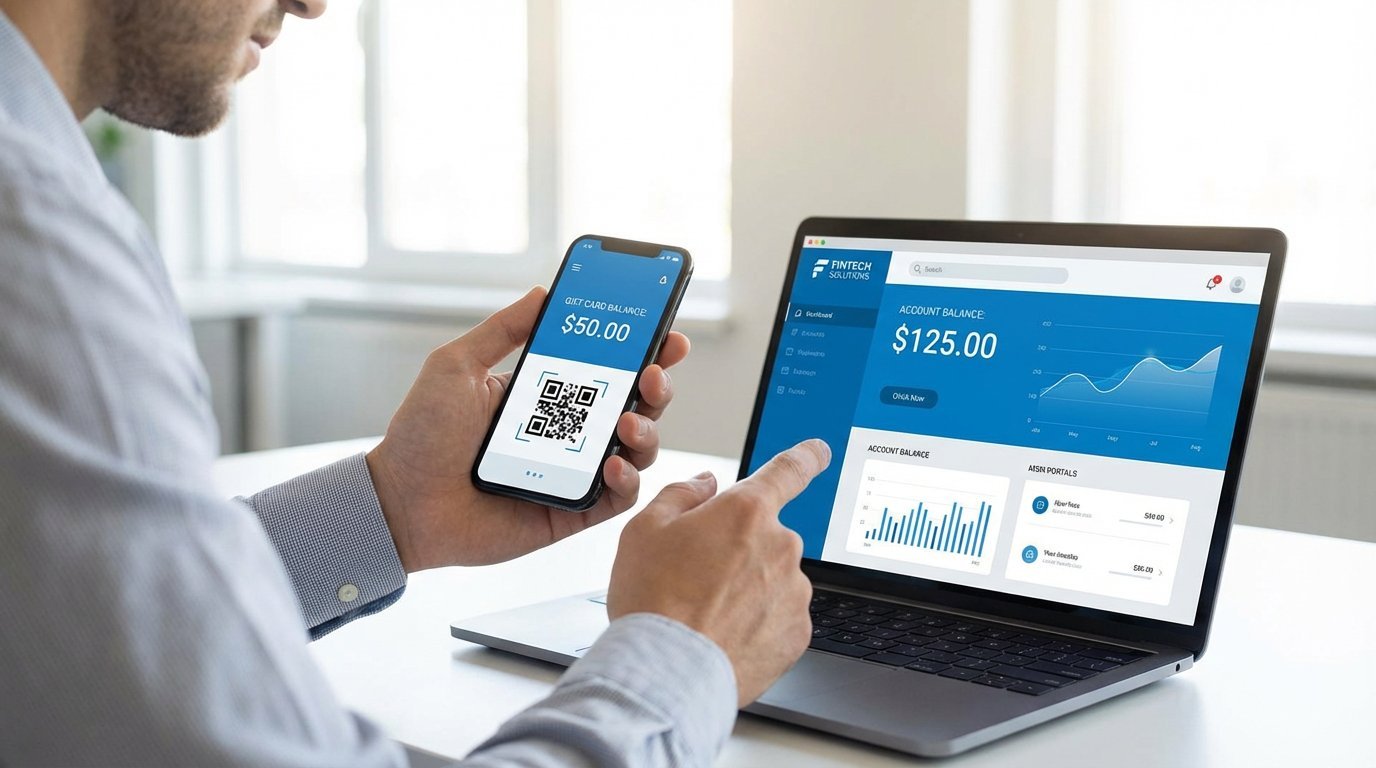
How to Check Your Gift Card Balance
Before you head to the checkout, it’s always a smart idea to know exactly how much money is on your gift card. This helps avoid the awkwardness of a declined transaction and allows you to plan your purchase. Here are the common ways to check the balance on any gift card.
1. Check the Website
This is the most common and convenient method for almost every type of gift card.
- How it works: Flip the card over and look for a website address. It will usually say something like "Check your balance at..." or "For balance inquiries, visit..."
- What you need: You will typically need to enter the gift card number and a security code (often called a PIN or CVV). The security code is usually hidden under a scratch-off panel.
- How it works: Call the number and follow the automated prompts. You will be asked to enter your gift card number using your phone’s keypad.
- When to use this: This is a good option if you don’t have internet access or prefer using the phone.
- How it works: Simply take your card to any of the brand’s retail locations and ask a cashier to do a balance inquiry for you. They will scan the card and tell you the remaining amount.
- Note: This method does not work for open-loop Visa or Mastercard gift cards.
- How it works: Brands like Starbucks and Tim Hortons allow you to load your gift card balance directly into their app. The balance is then always visible on the app’s home screen.
2. Call the Toll-Free Number
Most gift cards also have a toll-free 1-800 number printed on the back for customer service and balance inquiries.
3. Ask a Cashier In-Store
For closed-loop (retailer-specific) gift cards, you can almost always check your balance in person.
4. Use the Mobile App
For many major brands, especially in the food and coffee sector, their mobile app is the easiest way to manage a gift card.
| Method | Works For | What You Need |
|---|---|---|
| Website | All gift cards (Open & Closed Loop) | Card number and security code/PIN |
| Phone Call | All gift cards (Open & Closed Loop) | Card number |
| In-Store | Closed-Loop (retailer cards) only | The physical gift card |
| Mobile App | Specific brands (e.g., Starbucks) | The brand's app and your card details |
Pro Tip: After checking your balance, use a permanent marker to write the new balance on the back of the card. This saves you from having to check it again next time!
_